










On the All Clusters tab, you can search all of your cluster data. To start your search, click on the Create Filter button:

A dialog box displays in which you can apply filters for multiple criteria to get to the data set you are looking for:
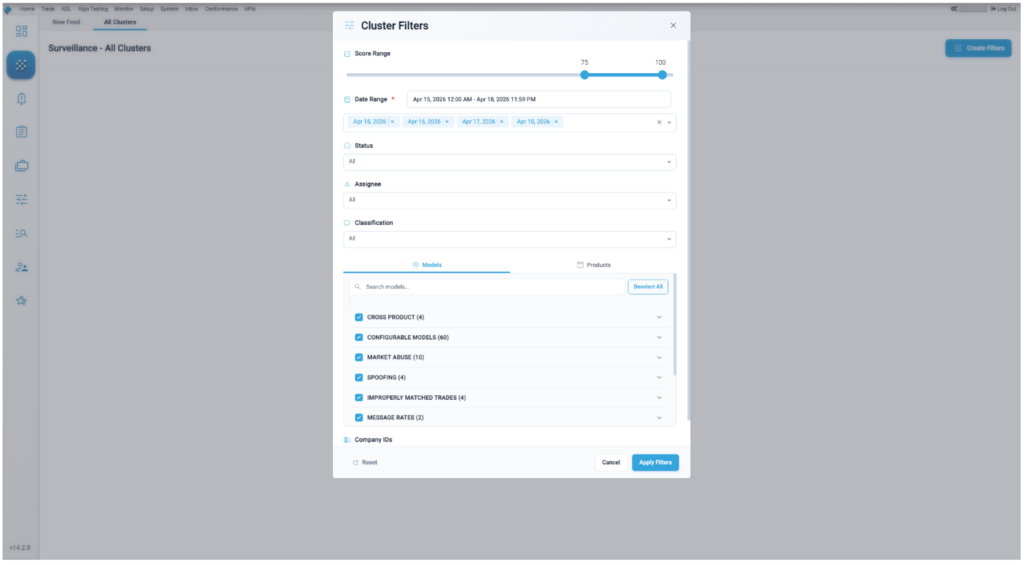
This includes filters for Score Range, Date Range, Status, Assignee, Classification, Models, and Product Types.