










Adding products to the Product Grid
To add products to the Product Grid:
-
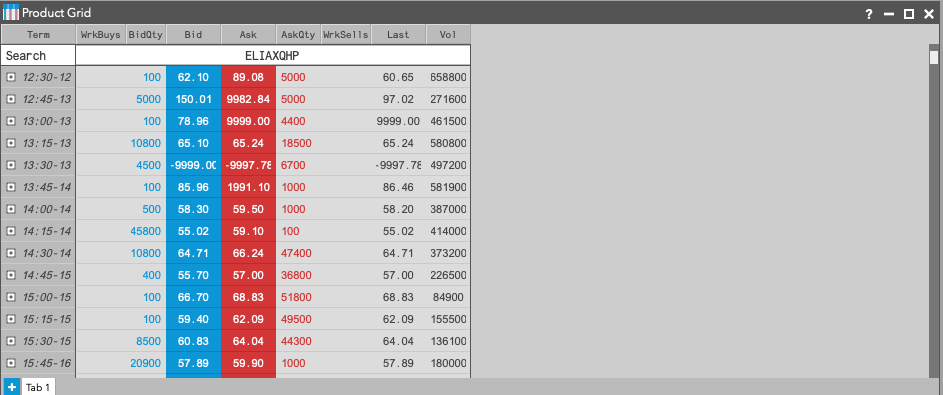
In the Search box, type the name of the product you wish to add or use the Explore button to drill down to the desired product by selecting the Exchange, Family, Type, then Product.


-
The selected products are added to the Product Grid.
-
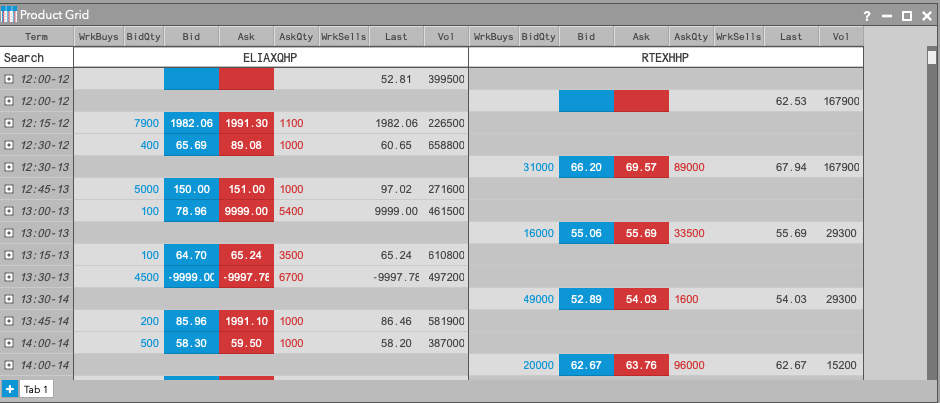
Use Search or the Explore button to add additional products. Newly added products appear on the right.
Removing a product from the Product Grid
Note There must be at least two products in the Product Grid to access the option to remove a product.
To remove an existing product from Product Grid:
-
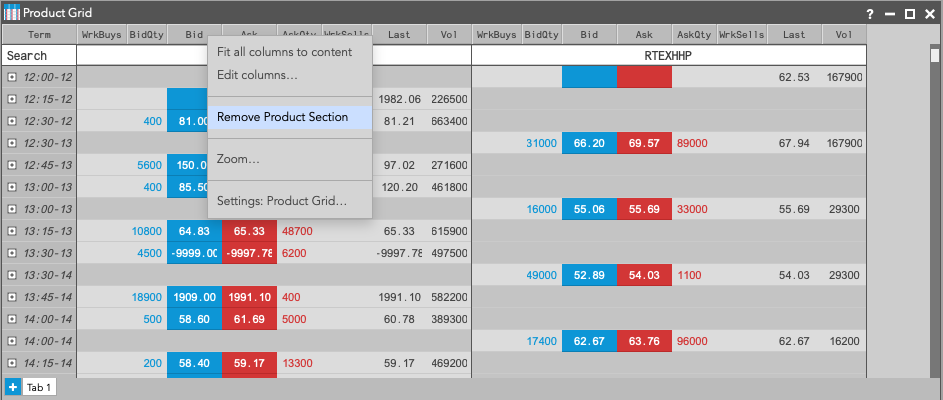
Right-click the header row of the product you want to remove and select Remove Product
Selection from the context
menu.
-
The selected product now longer appears in the Product Grid.