



To create a configurable model:
- On the Trade Surveillance dashboard, select the Configurable Models tab.
- The Configurable Models Instances page displays.
- Click Create Model Instance.
- Make a selection in the Select a Model drop-down.
- Enter an Instance Name.
- Make entries and selections in the parameters displayed for the selected model.
- Select filters in the Filters list or create new filters if desired.
- Enter a message in the “Please enter a message to save.” field.
- Click Save.


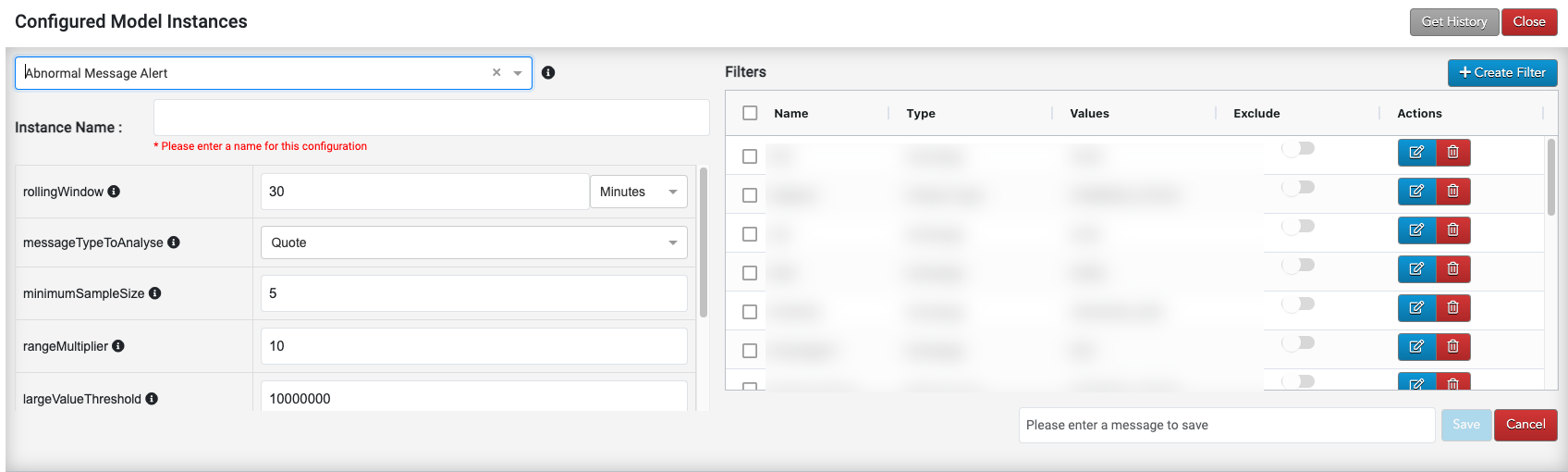
Note For descriptions of the parameters, hover over the information icon with the mouse pointer to display tooltips.
Editing a Configurable Model
To edit a configurable model, click the Edit button, then follow the steps above.

Deleting a Configurable Model
To delete a configurable model:
- Click the Delete button.
- Enter a message and click Ok.
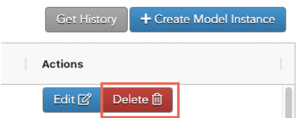

The model is removed from the list.