










Use the FIX Sessions tab to assign FIX sessions to the user selected in the data grid.
Note: Only FIX Order Routing and FIX Inbound Drop Copy sessions can be assigned to a user.
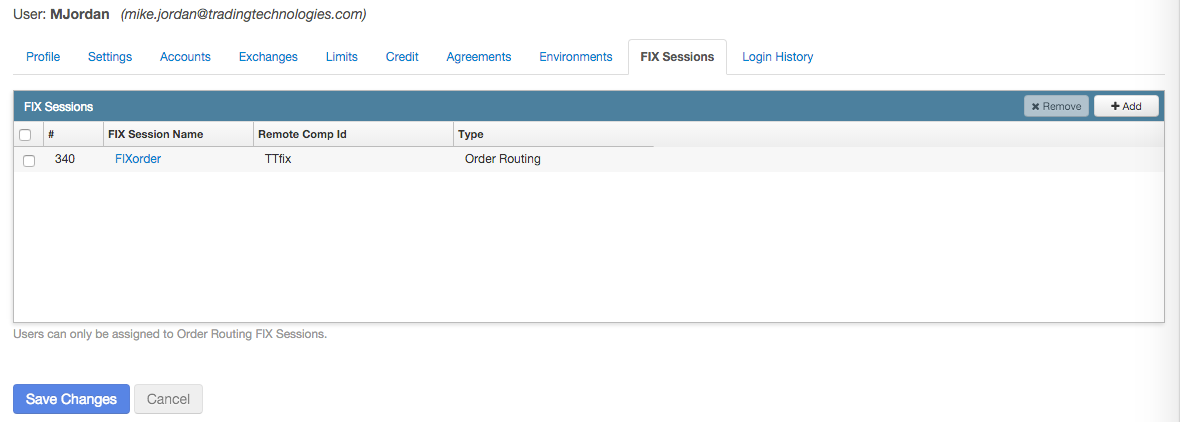
To assign a FIX session to a user:
- Select a user in the data grid and click the FIX Sessions tab.
-
Click Add in the FIX Sessions section.
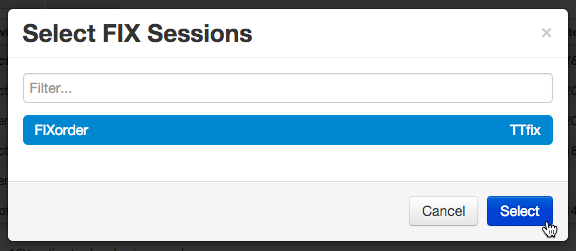
The Select FIX Sessions screen appears.
-
In the Select FIX Sessions screen, click a FIX session and click Select.
- Click Save Changes.