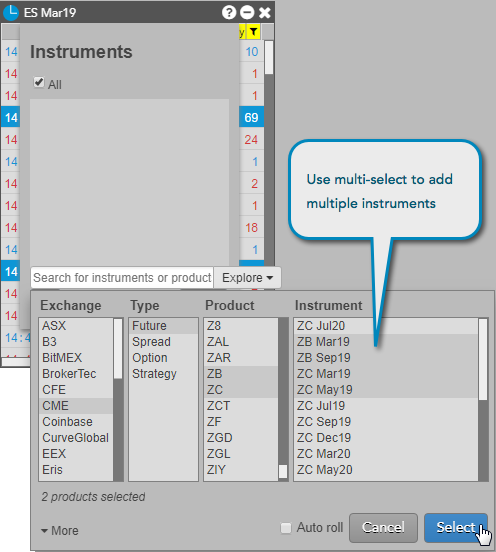
You can populate a Time & Sales widget with one or more products and instruments. You can add a product, a single instrument, multiple instruments, all instruments in a product, or instruments from multiple products. When you add a product to a Time & Sales widget, newly created instruments for the product get added to that widget automatically.
Note: A Time & Sales widget supports a maximum of 5,000 instruments.
-
From the context menu, select Choose Instruments.

-
Click Add, and use the search and explore functionality to locate the instrument or product to add.

-
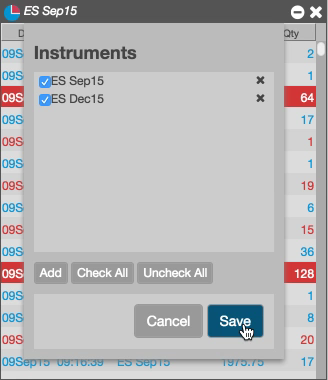
Check the instruments you want to include, and click Save.
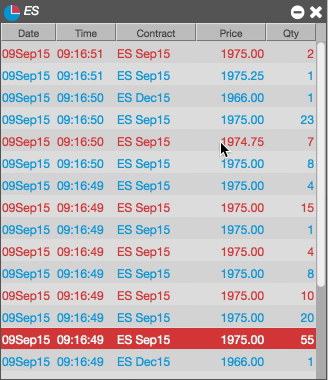
Time & Sales shows activity for all of the selected instruments.
You can also use your system’s multi-select feature to choose multiple products or instruments in the Market Explorer. The following example uses multi-select to add instruments for the ZB and ZC products.