










You can set your preferred destination for spread building to Blocktrader to simplify building complex structures to send orders as blocks trades.
Note: Before you begin, right-click in the Options Chain to open the widget settings and set the Send spreads to: option to “Blocktrader”.
To send spreads to Blocktrader:
-
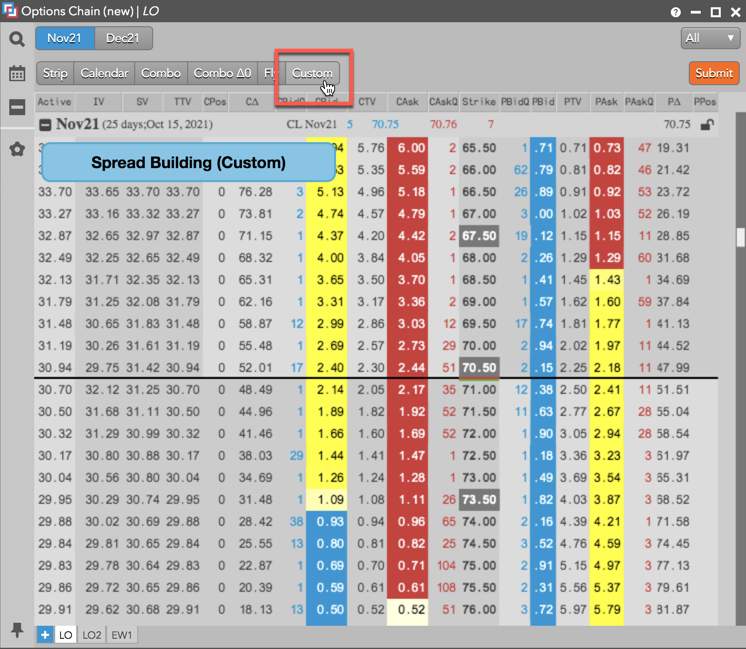
In the Options Chain widget, click the a strategy type (e.g., Custom).
Tip: Alternatively, press and hold the Ctrl key to enter Blocktrader mode.
-
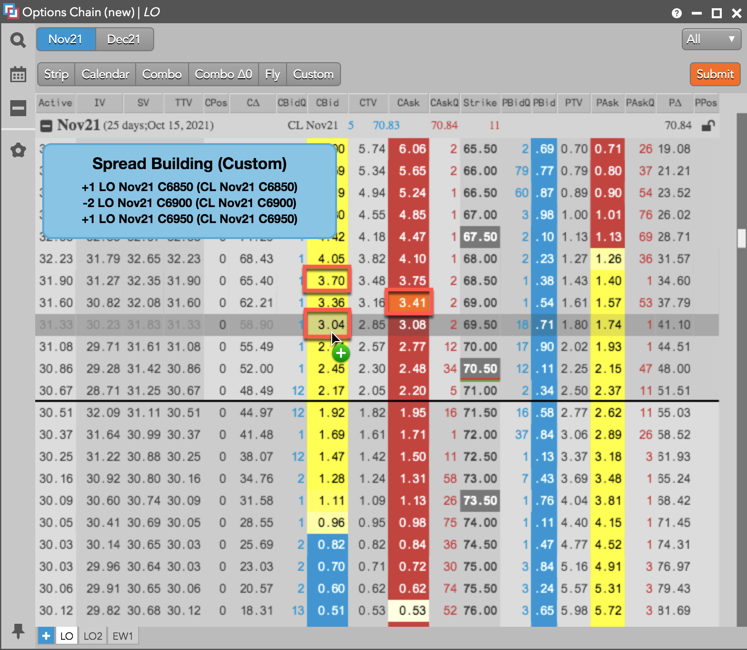
Click the Call or Put column for each leg of the strategy.
Tip: You can click a column multiple times to set each leg ratio.
-
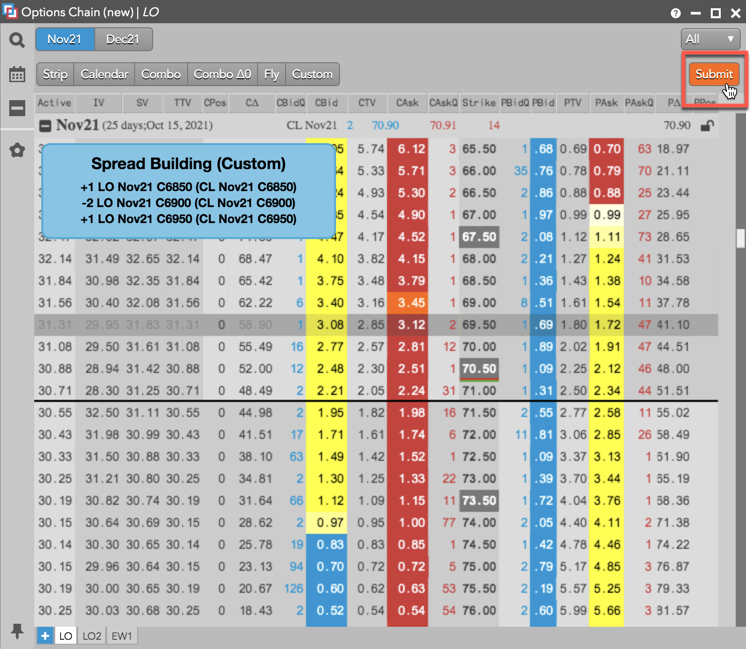
Click Submit (or release the Ctrl key).
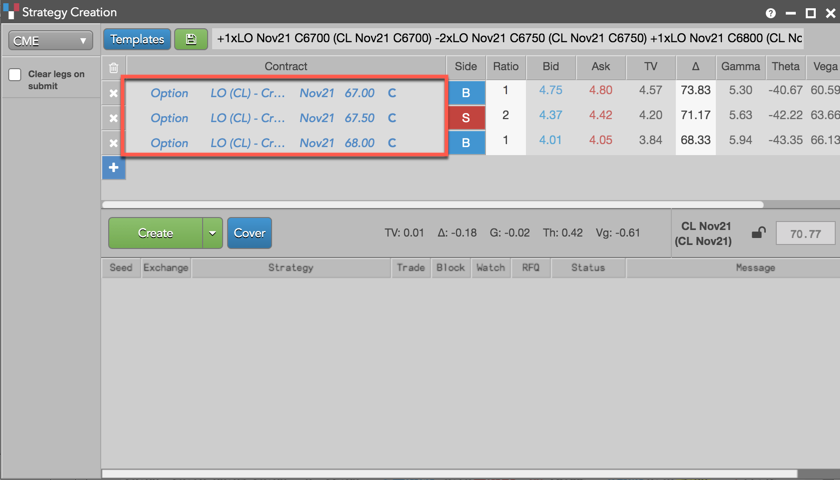
The Blocktrader widget opens seeded with the selected instrument legs.
-
In the Blocktrader widget, configure the strategy as needed and click Send Block.